Add a patient
With Akili AI, patients can be added throiugh the recording process, or through the patient management tab from the navigation menu. Follow the steps below to add and manage patient information:
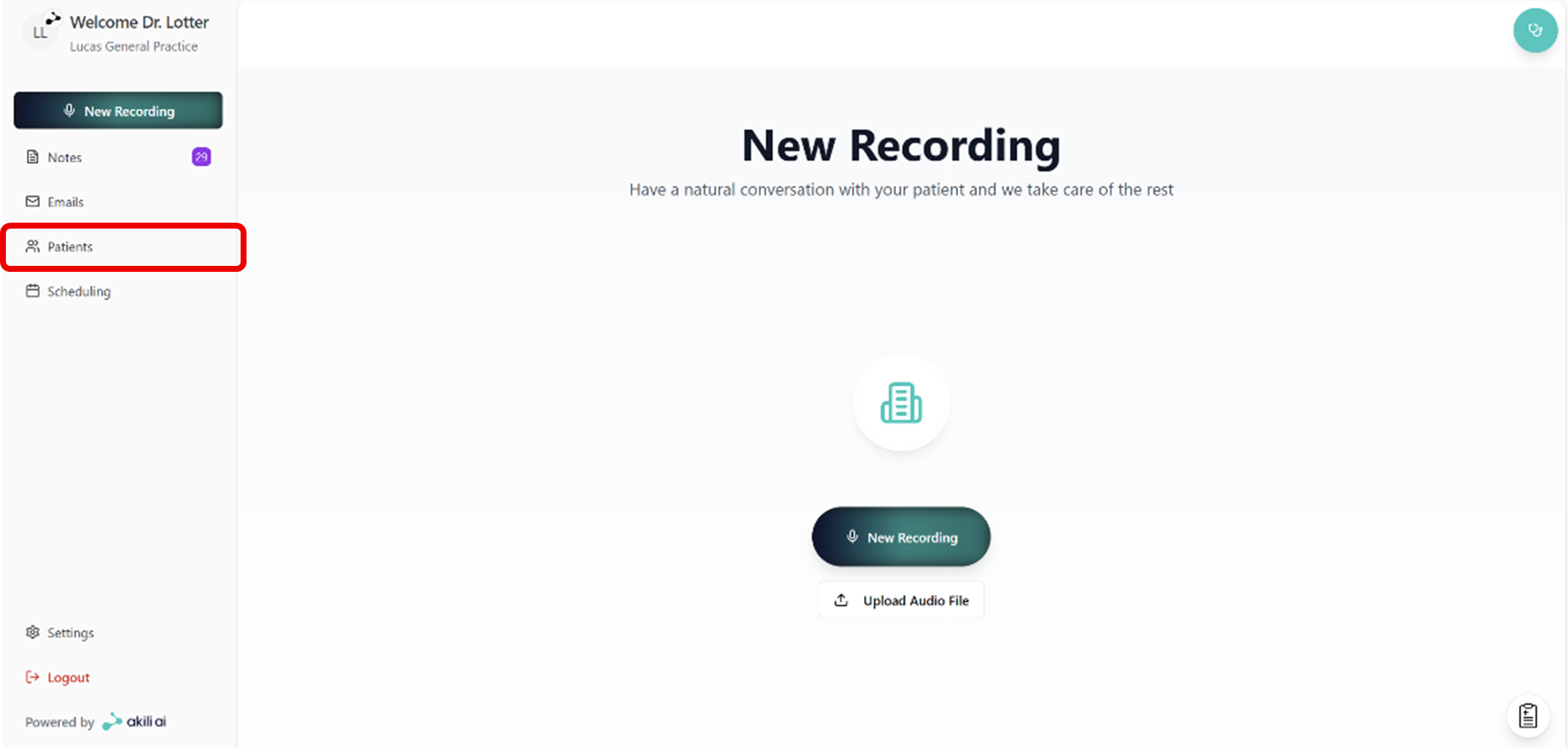
Step 1: From the home page, select the “Patient” tab from the navigation menu
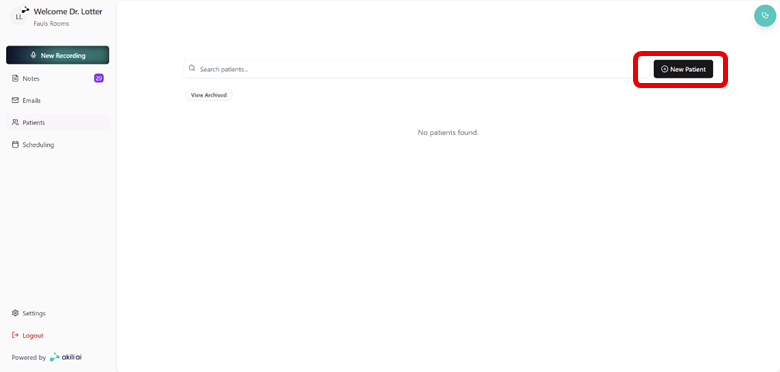
Step 2: On the top right, select “New Patient”
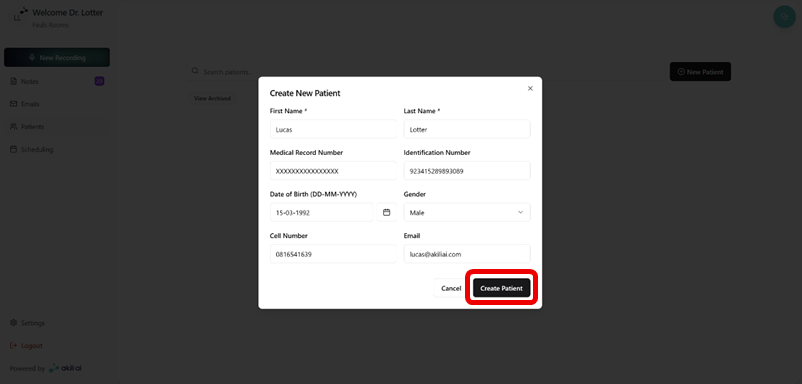
Step 3: Fill in patient details and select “Create Patient”
- Name
- Surname
- ID Number
- Date of Birth
- Gender
- Contact Number
- Contact Email Address
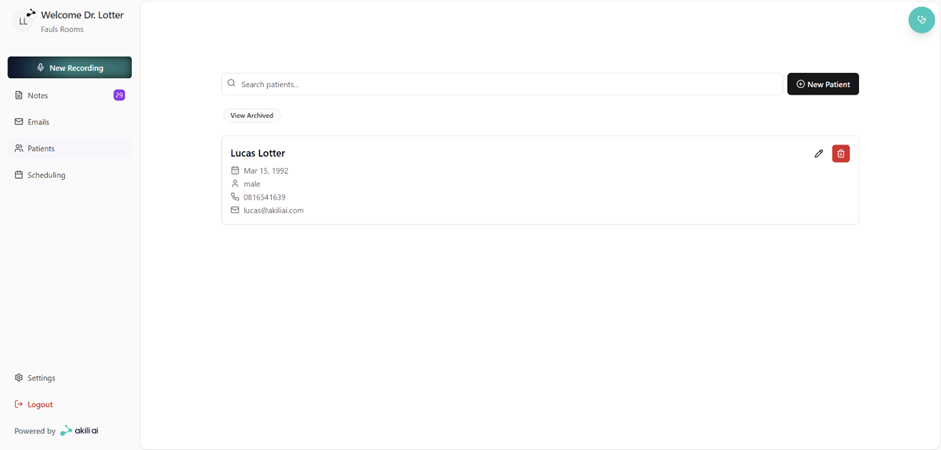
Step 4: Find the patient under the patients tab