Sign Up / Sign In
The entry point to Akili AI — create your account or sign in to an existing one.
What this screen is for
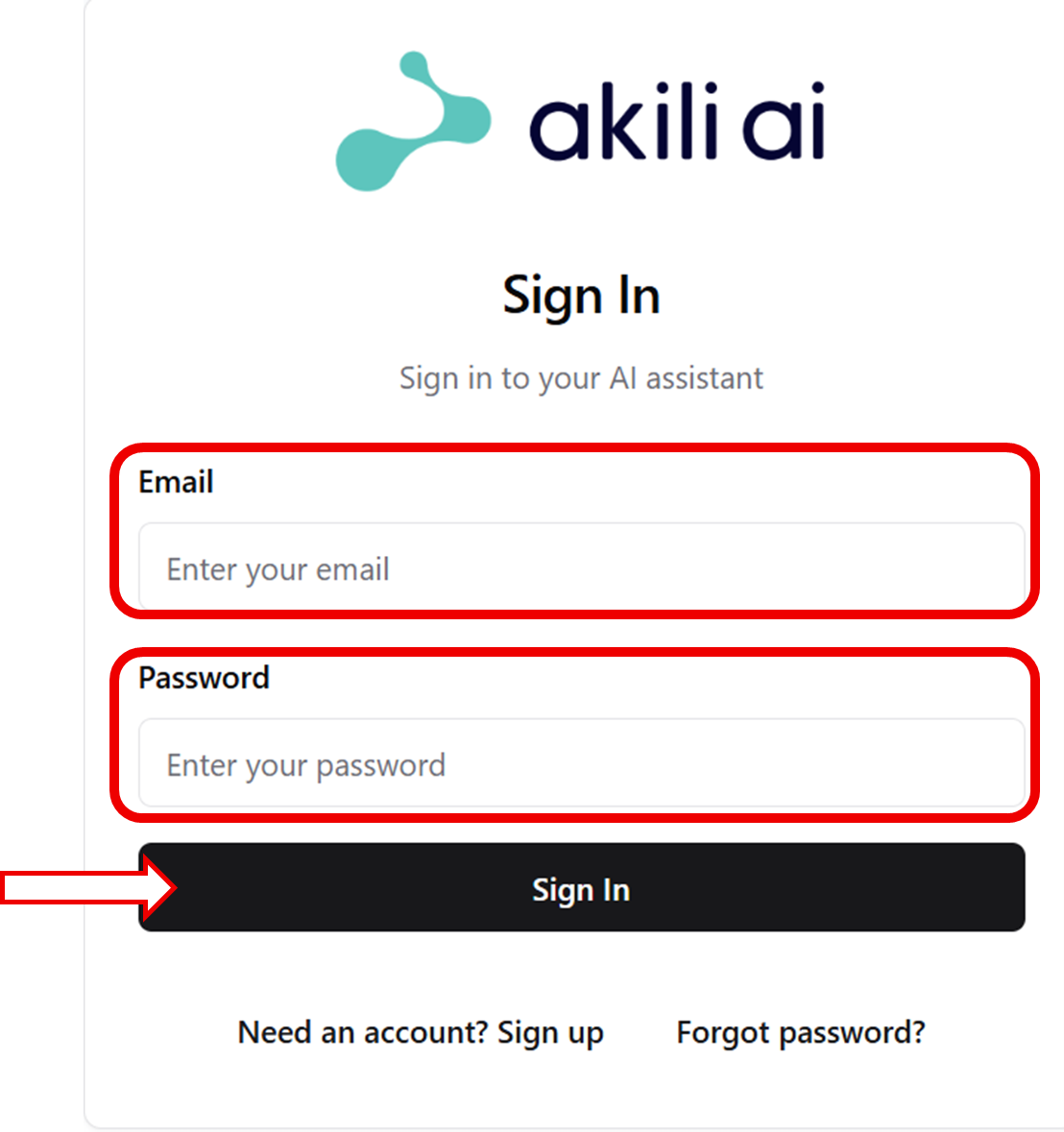
This is the first screen you see when you open Akili AI. From here you can sign in to your existing account, create a new account, or request a password reset.
Key elements
| Element | What it does |
|---|---|
| Email field | Enter the email address associated with your Akili AI account |
| Password field | Enter your account password |
| Sign In button | Submits your credentials and logs you in |
| Create an account | Starts the registration flow for new users |
| Forgot password? | Sends a password reset link to your email address |
Related workflows
Common issues
Incorrect password
Use Forgot password? to reset your password. The reset link is valid for 24 hours.
Account not found
Confirm you are using the correct email address. If you were invited by a practice manager, check that you completed sign-up using the invitation link.