Skip to content

Home Screen

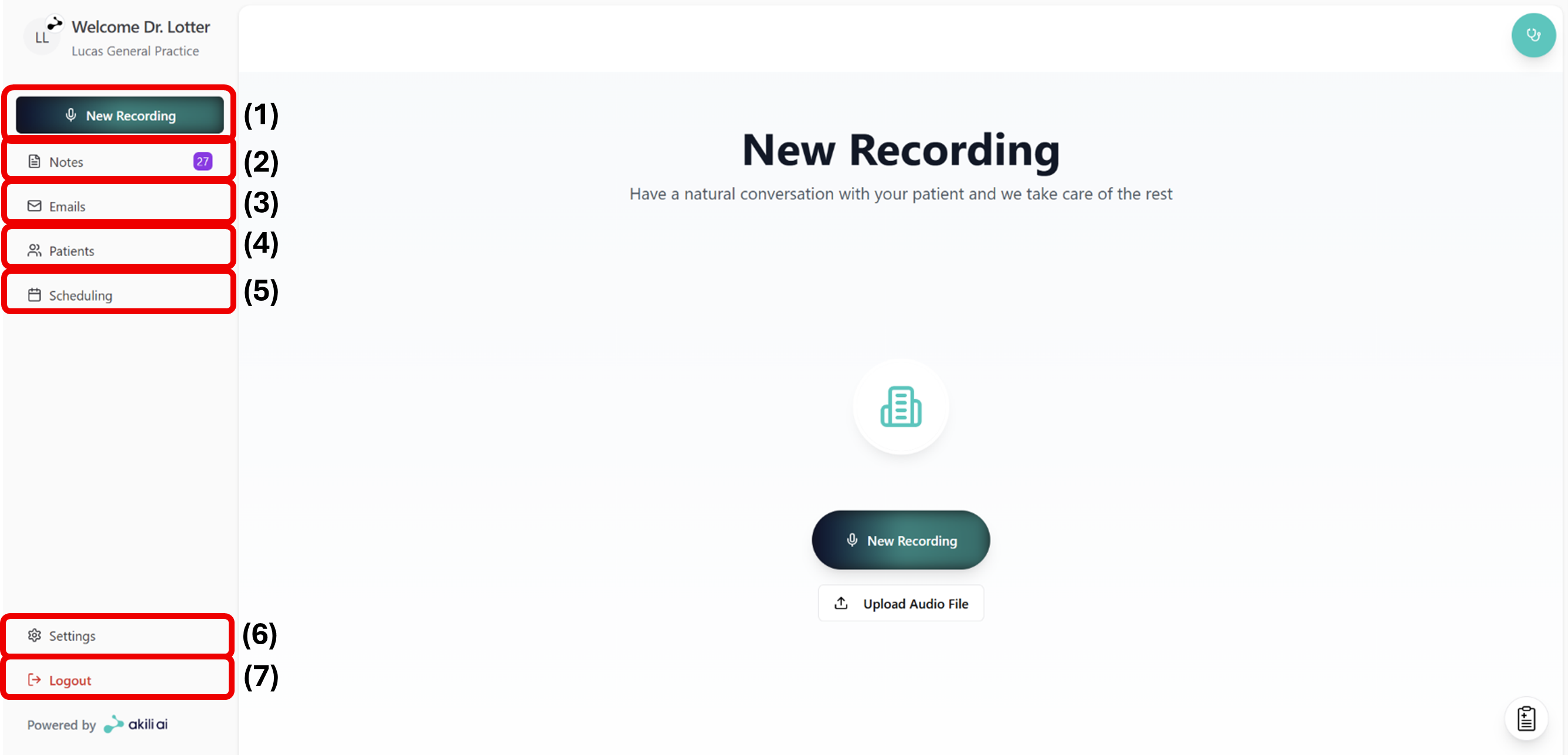
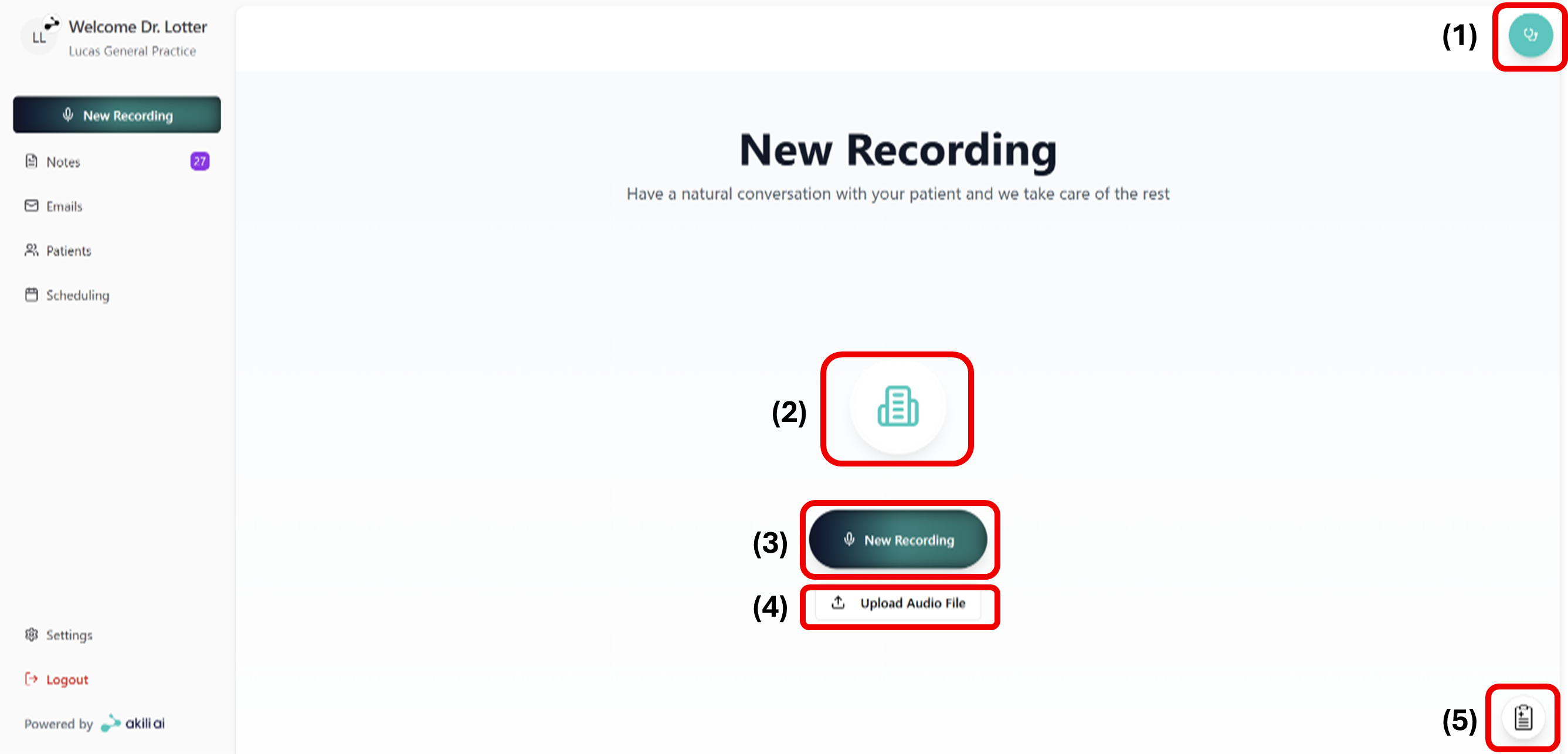
Your main dashboard in Akili AI — the starting point for most day-to-day tasks.

What this screen is for

The Home Screen gives you quick access to start a new recording, view recent consultations, and navigate to other areas of Akili AI.

Key elements

Element What it does
New Recording button Starts the recording flow for a new consultation
Recent consultations Lists your most recent recordings and their note status
Patients Navigates to the Patients Screen
Navigation menu Access other sections: Patients, Settings, Help
Notification indicator Shows pending actions — notes awaiting approval, messages

Note status indicators

Status Meaning
Processing Recording uploaded, note being generated
Awaiting approval Note generated, action required
Approved Note reviewed and locked
Rejected Note was not approved; a new recording may be needed

Common issues

Home screen shows no recent consultations

If you have just signed in for the first time, this is expected. Start your first recording using the New Recording button.